Laser
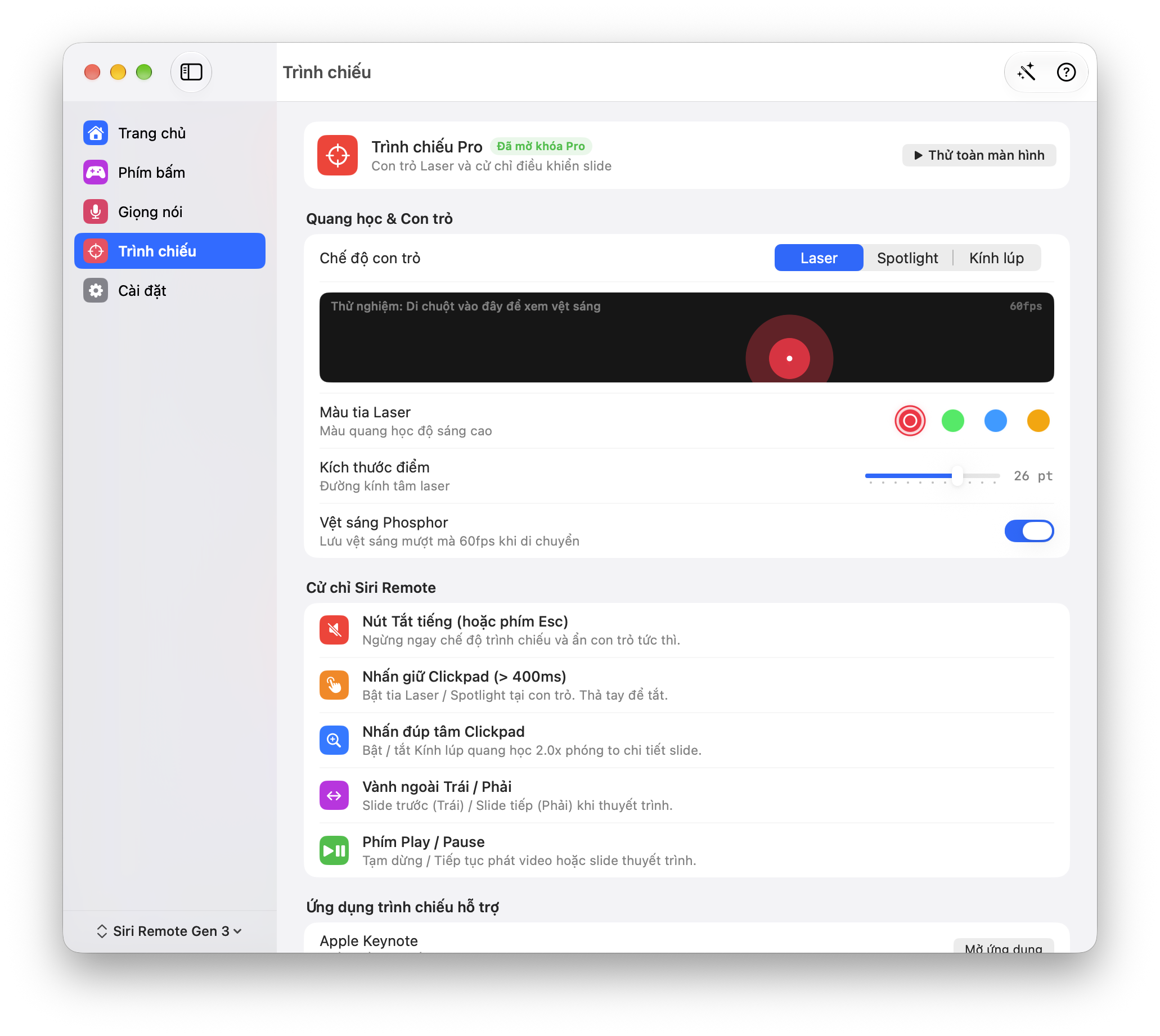
Point to the exact detail. Add a fading trail so viewers can follow your movement.
Presenter Pro preview
Advance slides, highlight the point that matters and magnify small details. Explore the new presentation tools for Siri Remote and Mac.
Explore Presenter ProDevelopment preview · The download is beta v0.2.3; Presenter Pro is not verified in that package.
Feature illustration
Presenter Pro previewMove or tap on the slide. Use arrow keys when focused.
Illustrative data, not product performance.
Four colors, adjustable dot size and an optional fading trail. Match the pointer to your slide.
Feature illustration
Presenter Pro previewMove or tap on the slide. Use arrow keys when focused.
Illustrative data, not product performance.
Laser color
Point to the exact detail. Add a fading trail so viewers can follow your movement.
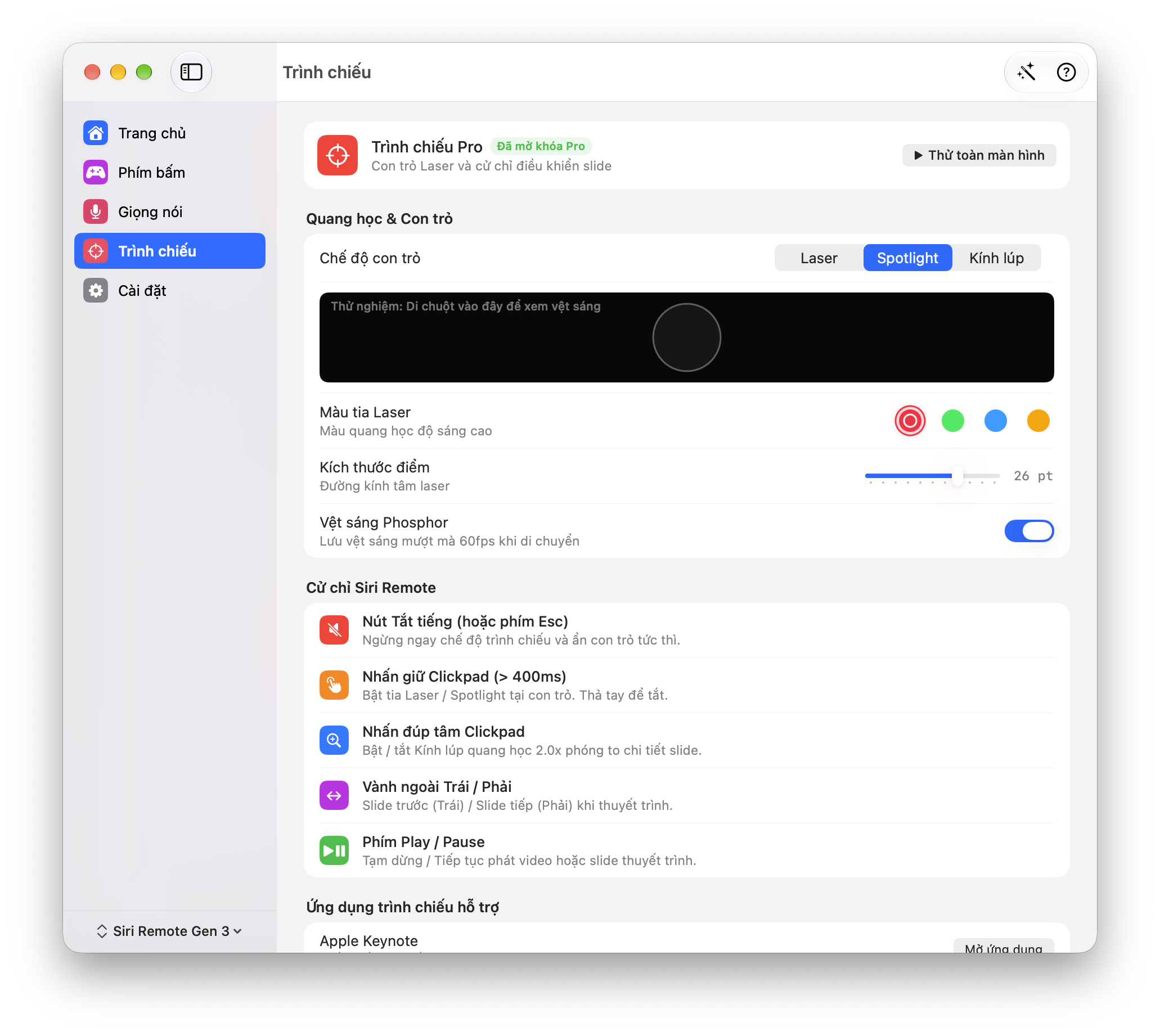
Keep the important area bright while dimming the rest of the slide.
Enlarge small text and chart details with a 2× loupe.
Four colors, adjustable dot size and an optional fading trail. Match the pointer to your slide.
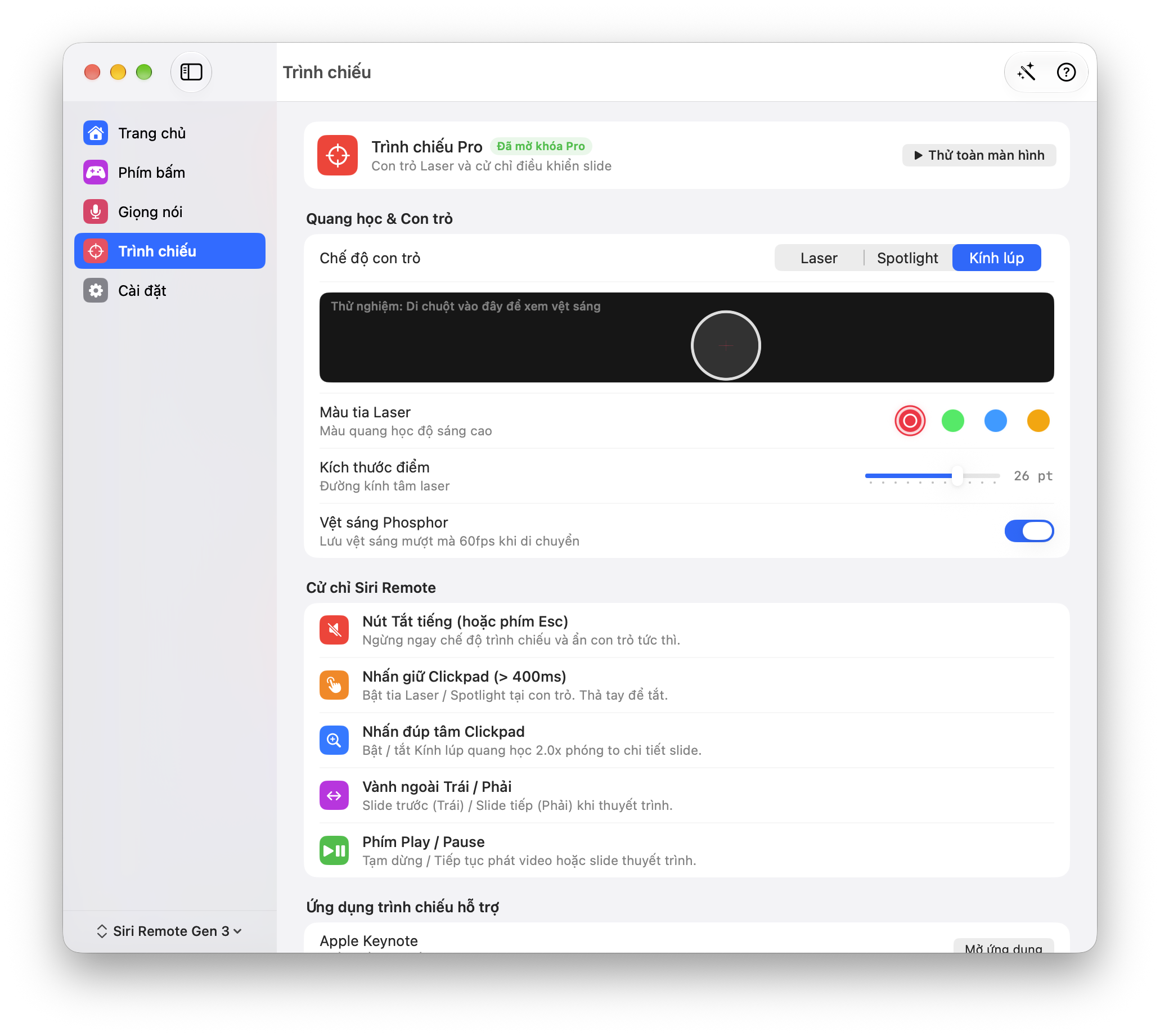
Preview gestures shown for Siri Remote Gen 3 with Keynote or PowerPoint in front. Other remote profiles may differ.
Hold for more than 0.4 seconds to show the selected pointer. Release to hide it.
Switch between laser and magnifier modes. Hold to show the pointer.
Go to the previous or next slide without returning to your Mac.
Hide the pointer immediately. Your presentation stays open.
The current development code recognizes Keynote and PowerPoint. Open the app, then use the presentation gestures.
The loupe needs screen capture permission. Check external displays and your screen-sharing setup before presenting online.
Original development screenshots · October 7, 2026 · Vietnamese interface. Open an image to inspect it.
Explore presentation tools on the remote you already know, alongside voice, scrolling and AI controls for your Mac.
No. Remoter draws a digital pointer on your Mac screen. It does not project a laser beam onto a wall or flipchart.
This page previews the development build. The public download remains beta v0.2.3; Presenter Pro and its license terms are not confirmed for that package.
That depends on your display and screen-sharing mode. Test with another participant first; application-only sharing may omit overlays.
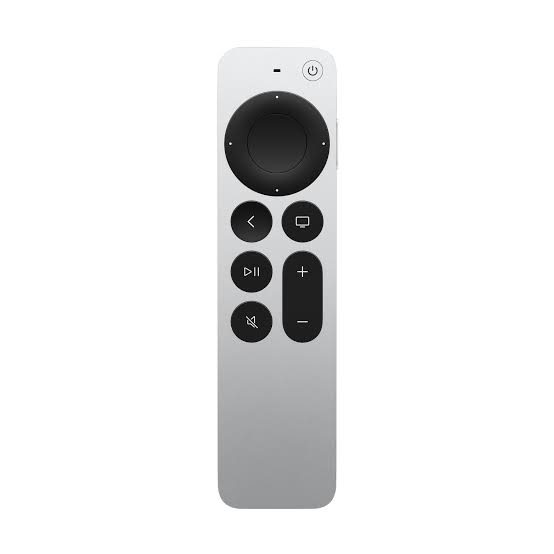
Reuse a compatible Siri Remote if you already have one. Otherwise, budget for the remote separately from the app. Gestures here illustrate Gen 3.
Development preview · The download is beta v0.2.3; Presenter Pro is not verified in that package.
v0.2.3 beta · Apple silicon · macOS 13+
Remote not included