Choose Remoter when…
You already use a microphone you like and want scrolling, clicking and mapped actions without reaching for the keyboard every time.
Choose your setup
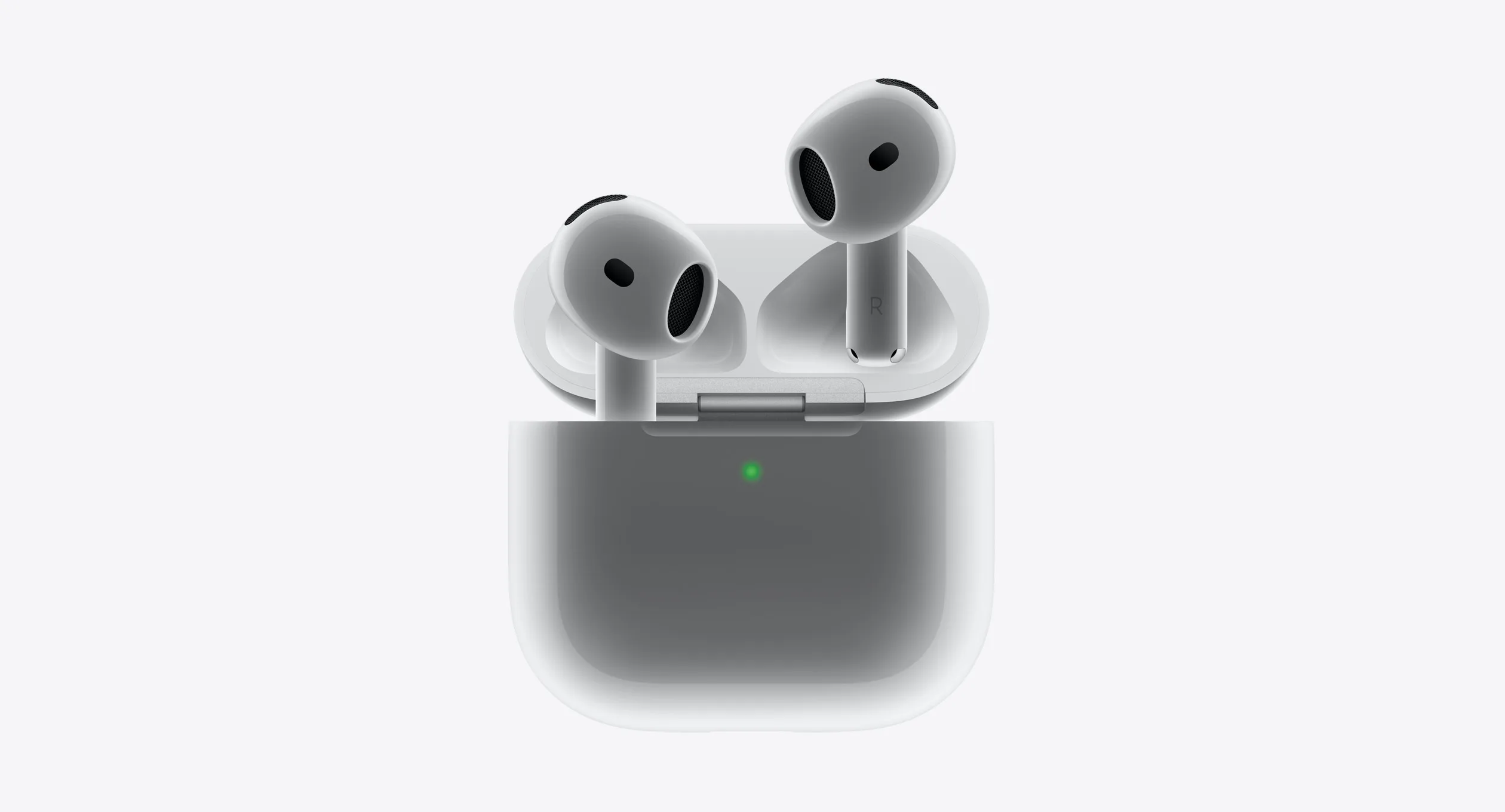
AirPods handle listening and microphone audio. Remoter handles Mac pointer movement, scrolling and shortcuts. They can be parts of the same setup.
v0.2.3 beta · Apple silicon · macOS 13+
Siri Remote required. Sold separately.
You already use a microphone you like and want scrolling, clicking and mapped actions without reaching for the keyboard every time.
You mainly want audio, calls or listening. Keep using AirPods as your microphone; a Siri Remote is an optional control surface, not a headphone replacement.
Remoter’s planned $19 app price excludes remote hardware and AI fees. Compare total setup costs, not software against a complete hardware kit.
Planned $19 app + Siri Remote + any AI usage fees
Existing AirPods or a separate headphone purchase
Clickpad pointer, ring scrolling and mapped buttons
Audio and model-specific playback controls
Mac mic first; remote mic needs advanced setup
Headphone microphone selected in your Mac or voice app
Mac; included download is Apple silicon, macOS 13+
Apple device support varies by AirPods model and feature
Maker’s product page · checked 2 Oct 2026
Inside Remoter: choose your voice mode and microphone setup.
Controls and audio are separate
Detail from the app · Vietnamese UI

Illustrated example
Remote → assigned action
Mac / selected microphone → audio
On-device recognition when supported
Cloud mode → configured provider
Remote microphone capture needs the advanced setup. Cloud services can send audio or text off your Mac.
A small preview
Add a loading state to a login button. Try the side button, the ring, then approve or reject the result.
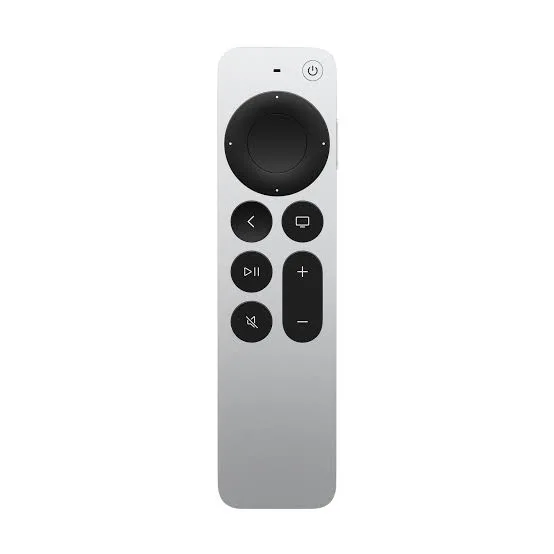
Try the controls below. On your Mac, bind them to your preferred shortcuts.
Tab to a control. Enter or Space to activate.
Press the voice button below to send the example request.
Your voice prompt
Add a loading state to the login button. Prevent duplicate submissions.
Proposed change
The button is disabled while signing in. The label changes to “Signing in…” until the request finishes.
LoginButton.tsx

- <button onClick={signIn}>
+ <button disabled={isLoading}
+   onClick={signIn}>
+   {isLoading ? loadingLabel : label}
+ </button>
The button is disabled while signing in. The label changes to “Signing in…” until the request finishes.
Example result
This is a scripted preview. No microphone, AI account or Mac connection is used.
Actions depend on the app, preset and focused window. Remoter sends your configured shortcuts; you stay in charge.
Try one workflow with the remote you already have.
v0.2.3 beta · Apple silicon · macOS 13+
Siri Remote required. Sold separately.