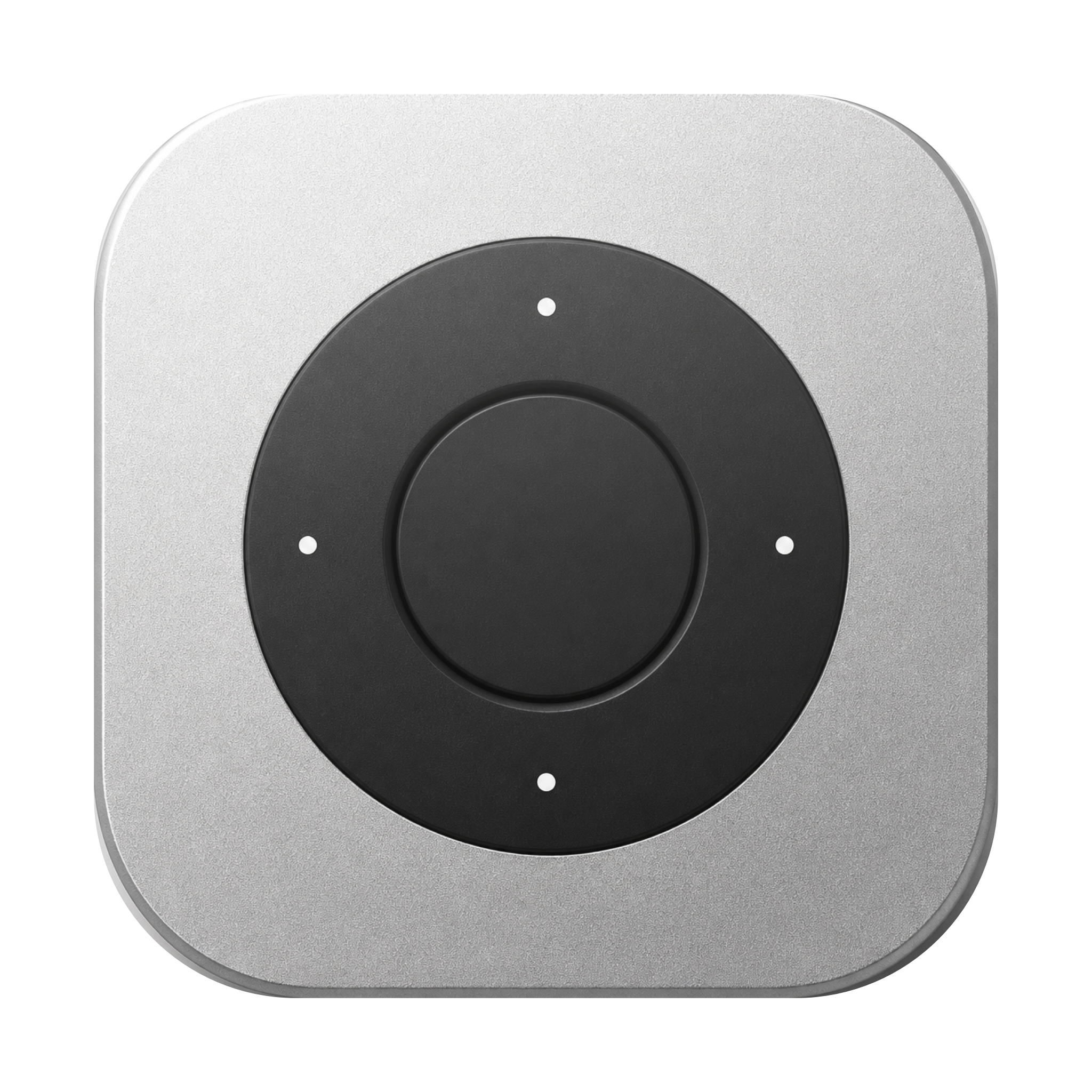
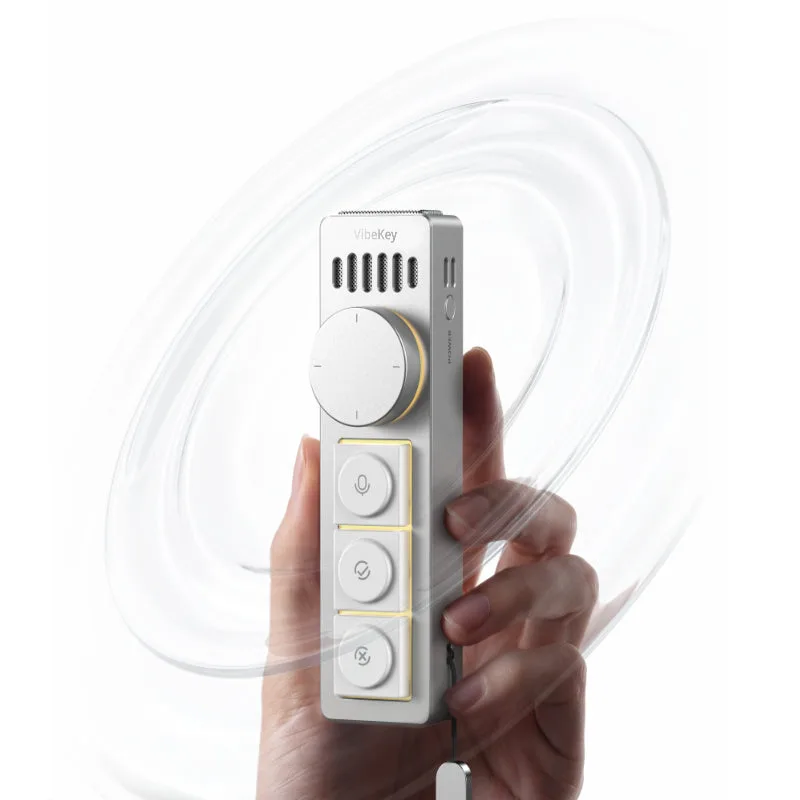
Choose Remoter when…
You want to reuse an Apple remote and use its clickpad as a pointer, with circular scrolling and app-specific mappings on Mac.
Choose your setup
Ulanzi Vibe Key offers voice controls, six keys and a scrolling knob. Remoter adds a Mac workflow to a Siri Remote. The best fit depends on what you want in your hand.
v0.2.3 beta · Apple silicon · macOS 13+
Siri Remote required. Sold separately.
You want to reuse an Apple remote and use its clickpad as a pointer, with circular scrolling and app-specific mappings on Mac.
You want a portable aluminum keypad with a dedicated voice button, six physical keys and a multifunction knob.
Remoter’s planned $19 app price excludes remote hardware and AI fees. Compare total setup costs, not software against a complete hardware kit.
Planned $19 app + Siri Remote + any AI usage fees
Hardware + any voice-service fees; check the maker’s current offer
Clickpad pointer, ring scrolling and mapped buttons
Six keys and a multifunction scrolling knob
Mac mic first; remote mic needs advanced setup
Voice input with compatible software; Ulanzi Studio for mappings
Mac; included download is Apple silicon, macOS 13+
Check Ulanzi Studio and voice-tool requirements for your OS
Maker’s product page · checked 2 Oct 2026
Inside Remoter: tune how the clickpad moves and scrolls.
Circle the ring to scroll
Detail from the app · Vietnamese UI

Illustrated example

The plan starts with your goal.
Break the work into clear steps.
Review the part that matters.
Ask a follow-up when ready.
Move through a long answer; pause to read.
A small preview
Add a loading state to a login button. Try the side button, the ring, then approve or reject the result.
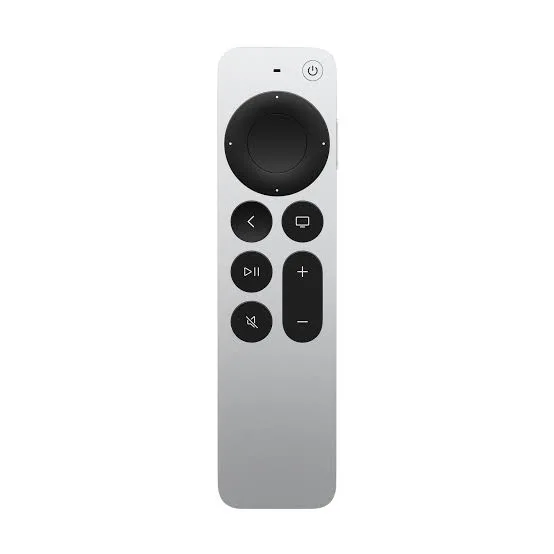
Try the controls below. On your Mac, bind them to your preferred shortcuts.
Tab to a control. Enter or Space to activate.
Press the voice button below to send the example request.
Your voice prompt
Add a loading state to the login button. Prevent duplicate submissions.
Proposed change
The button is disabled while signing in. The label changes to “Signing in…” until the request finishes.
LoginButton.tsx

- <button onClick={signIn}>
+ <button disabled={isLoading}
+   onClick={signIn}>
+   {isLoading ? loadingLabel : label}
+ </button>
The button is disabled while signing in. The label changes to “Signing in…” until the request finishes.
Example result
This is a scripted preview. No microphone, AI account or Mac connection is used.
Actions depend on the app, preset and focused window. Remoter sends your configured shortcuts; you stay in charge.
Try one workflow with the remote you already have.
v0.2.3 beta · Apple silicon · macOS 13+
Siri Remote required. Sold separately.