Overview

For everyday writing

Make it sound like you. Without retyping it.

Select a draft and say how you want it changed. With a configured AI provider, Remoter can rewrite the selection—or put the result on your clipboard.

v0.2.3 beta · Apple silicon · macOS 13+
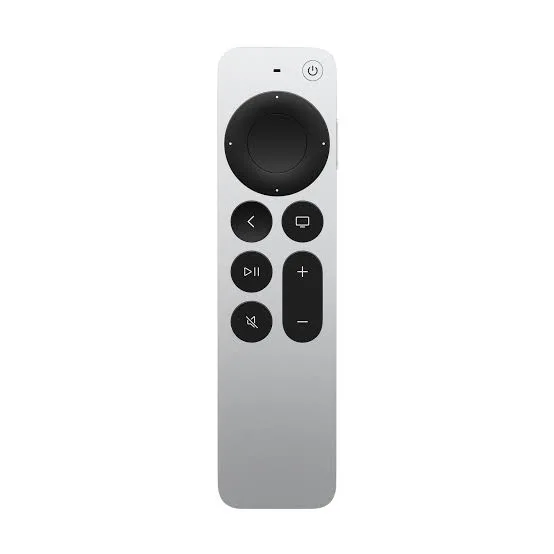
Siri Remote required. Sold separately.

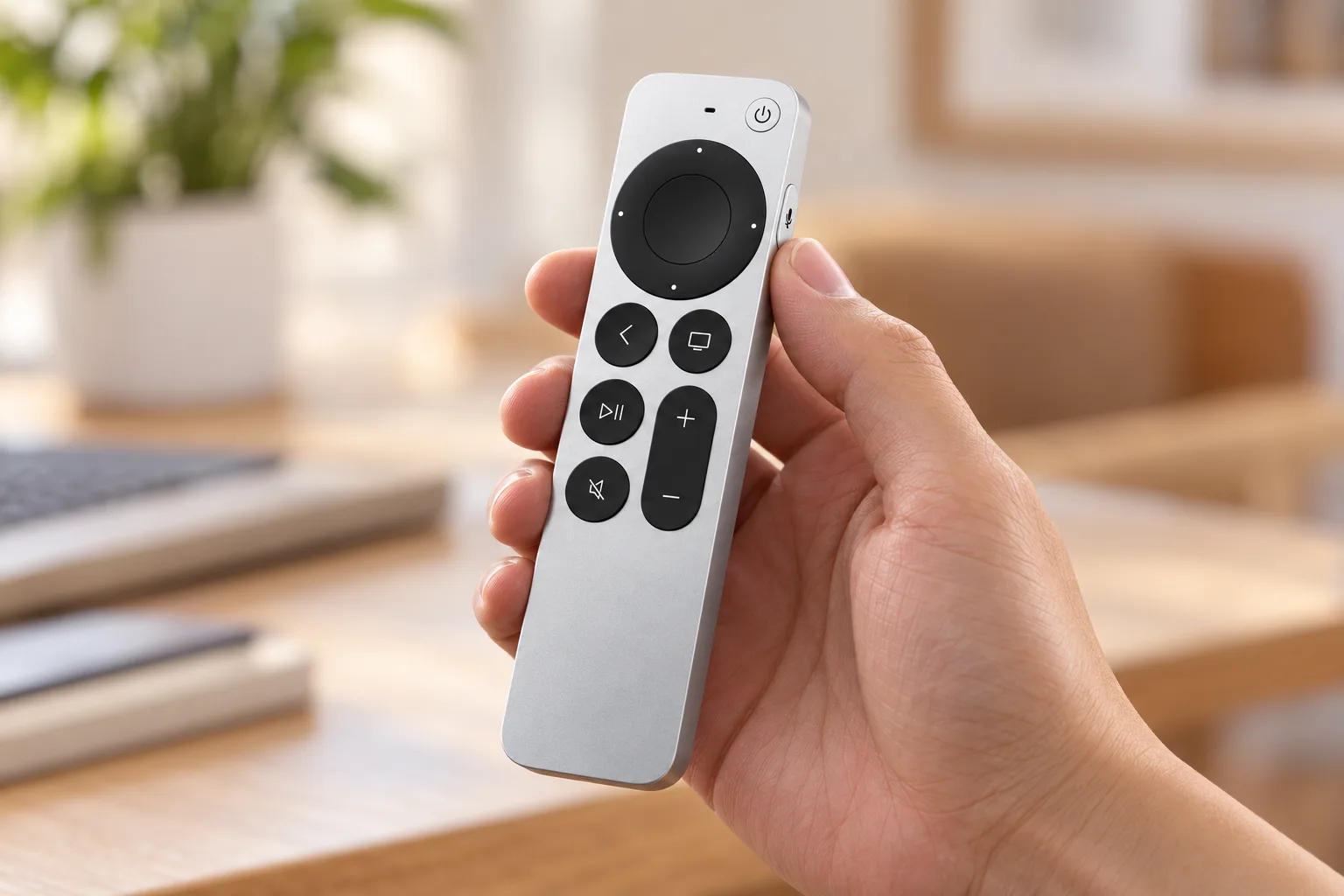
AI close-up illustration of a hand holding Siri Remote near the side voice button
Use-case illustration

You have the words. Just not the right tone yet.

A reply sounds sharper than you intended. Select it and say “make this warmer, but keep the deadline clear.” Read the new version, then decide whether it sounds like you.

Try a voice edit

You know what you mean. Say the edit.

Select a draft, ask for a warmer reply, then review the rewrite before keeping it.

Browser simulationApple TV Siri Remote

Try the controls below. On your Mac, bind them to your preferred shortcuts.

Tab to a control. Enter or Space to activate.

Your next coding session

A reply that could sound more like you.

I need the updated files today. Send them as soon as possible.

  1. Select the draft
  2. Say the edit
  3. Keep the rewrite

This is a scripted preview. No microphone, AI account or Mac connection is used.

Voice rewriting needs a configured AI provider. Editable selections can be replaced; unsupported fields use the clipboard.

Press → speak → review

Detail from the app · Vietnamese UI

Voice modes and rewriting settings

Available actions to assign; this list is not the selected button’s mapping.

Illustrated example

Make the next step clearer.

The selected voice mode determines processing. Start with your Mac microphone.

Examples require your chosen mappings and the correct app in focus.

Say the direction

Ask for a shorter reply, a clearer sentence or a different tone.

Select → speak → review

Detail from the app · Vietnamese UI

Voice modes and rewriting settings

Illustrated example

Selected text

Send me the draft by Friday.

Make this warmer; keep the deadline.

Rewritten example

Could you send the draft by Friday? Thank you!

Rewriting uses the provider you configured. Review its result before using it.

Keep your meaning

Review every rewrite. Your instruction guides the edit; you choose what to keep.

Use the clipboard

Illustrated example

Rewritten example

Could you send the draft by Friday? Thank you!

Copy resultPaste where needed

Rewriting uses the provider you configured. Review its result before using it.

Use the clipboard

If a field cannot accept the edit, copy the result and paste it where you need it.

Voice rewriting needs a configured AI provider. Editable selections can be replaced; unsupported fields use the clipboard.

Your first session

From remote to ready.

Start with button control and your Mac’s microphone. Add the advanced remote microphone only if you need it.

  1. Download and open

    Unzip the app, move it to Applications, then open Remoter and follow System Check.

  2. Pair and allow

    Pair in Mac Bluetooth settings. Allow Accessibility and Input Monitoring when requested.

  3. Choose your buttons

    Apply a coding preset. Focus a test window, try scrolling, then check one shortcut.

Hold Back and Volume Up together near your Mac for about 5 seconds, then select the remote in Bluetooth settings.

Check your setup before you download.

Your Mac
The included v0.2.3 download is for Apple silicon Macs running macOS 13 or later. There is no Intel download here.
Your Siri Remote
Start with a 3rd-generation Siri Remote (USB-C), the documented setup. Older models have different controls; do not assume full feature parity.
Your voice mode
App-only uses the Mac microphone. Remote audio requires Full Setup, Apple’s PacketLogger and extra permissions. Availability depends on your setup.
Privacy

A few things before you start.

Does it rewrite in every text field?

Editable selections can be replaced when Accessibility access supports the field. Read-only selections and unsupported fields use the clipboard. AI rewriting requires a configured provider and may incur fees.

Is Remoter hardware or software?

Remoter is a Mac app. It maps an Apple TV Siri Remote to pointer movement, scrolling and shortcuts. The physical remote is not included.

Does the remote replace my keyboard?

Keep your keyboard for detailed edits. Remoter gives you another way to prompt, navigate and trigger frequent actions while reviewing work.

Can I still use it with Apple TV?

Yes, by pairing it back to Apple TV. It controls the device it is paired with; switching is not simultaneous. Follow Apple’s pairing instructions.

View maker’s details
Does my voice leave the Mac?

It depends on the voice mode. On-device recognition stays local when supported. Cloud transcription, AI rewriting and connected AI apps send data to the chosen provider.

Do I need the advanced microphone setup?

No, to try buttons, scrolling and voice through your Mac microphone. Only choose Full Setup if you need audio from the Siri Remote itself and can meet its requirements.

Can I buy Remoter now?

Not yet. The current beta can be downloaded here. The planned app price is $19 once; commercial terms will be announced before sales open.
Put the next move in your hand.

Try one workflow with the remote you already have.

v0.2.3 beta · Apple silicon · macOS 13+
Siri Remote required. Sold separately.