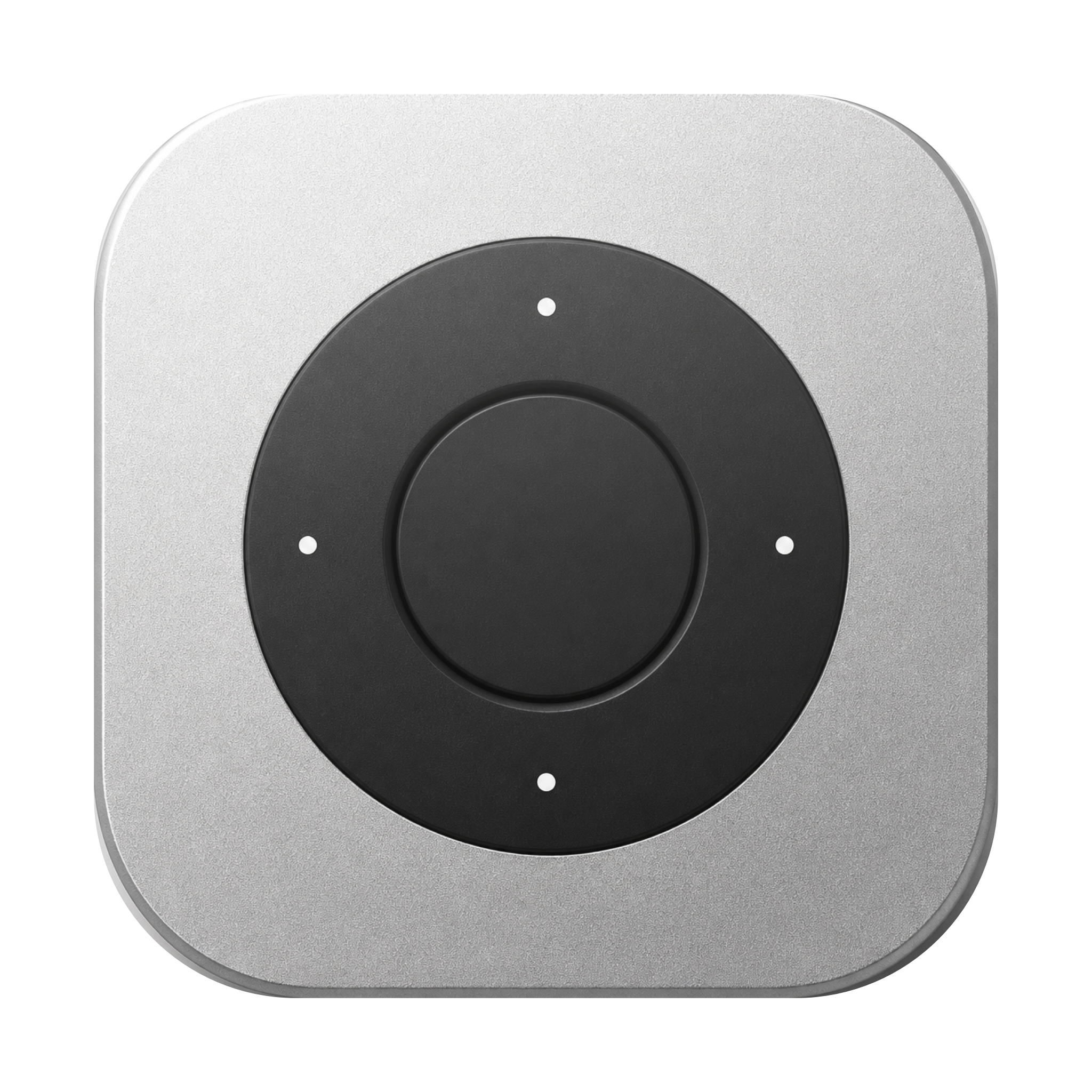
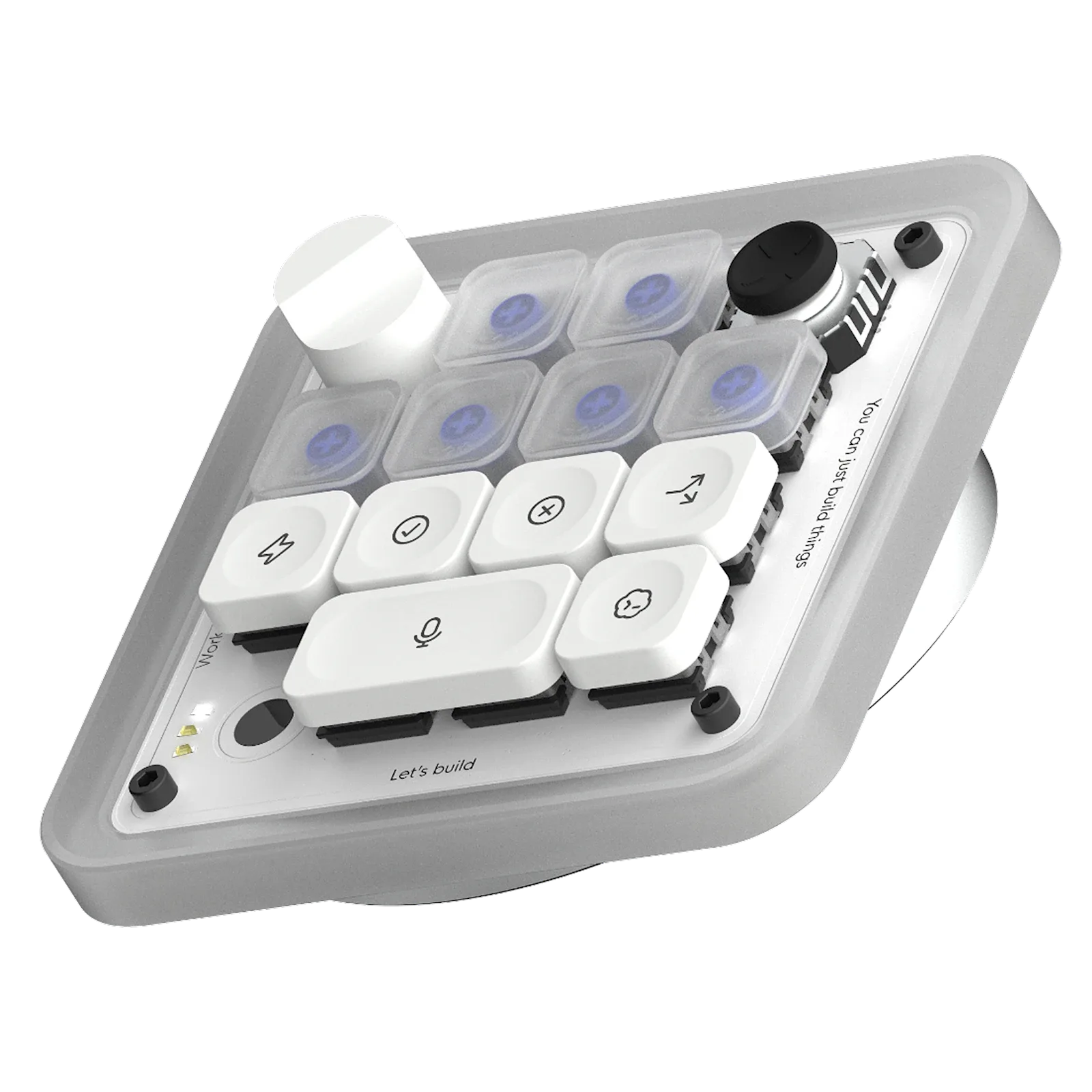
Choose Remoter when…
You already own a compatible Siri Remote, want pointer and ring scrolling on Mac, and prefer to hold the controls while you review.
Choose your setup
Both put frequent actions on physical controls. Start with where you work, which apps you use and the hardware you already own.
v0.2.3 beta · Apple silicon · macOS 13+
Siri Remote required. Sold separately.
You already own a compatible Siri Remote, want pointer and ring scrolling on Mac, and prefer to hold the controls while you review.
You want dedicated mechanical keys, agent status feedback and direct Codex controls, with Bluetooth or USB-C connectivity.
Remoter’s planned $19 app price excludes remote hardware and AI fees. Compare total setup costs, not software against a complete hardware kit.
Planned $19 app + Siri Remote + any AI usage fees
Hardware purchase; check the maker for current price and availability
Clickpad pointer, ring scrolling and mapped buttons
13 mechanical keys, dial, joystick and touch sensor
Mac mic first; remote mic needs advanced setup
Push-to-talk controls; check your app and microphone setup
Mac; included download is Apple silicon, macOS 13+
Mac and Windows; Codex and Work Louder Input
Maker’s product page · checked 2 Oct 2026
Inside Remoter: choose a preset for the actions you repeat.
Review before deciding
Detail from the app · Vietnamese UI

Available actions to assign; this list is not the selected button’s mapping.
Illustrated example
Example change
− <button>
+ <button disabled={loading}>Map accept and reject to the shortcuts your tool supports.
Examples require your chosen mappings and the correct app in focus.
A small preview
Add a loading state to a login button. Try the side button, the ring, then approve or reject the result.
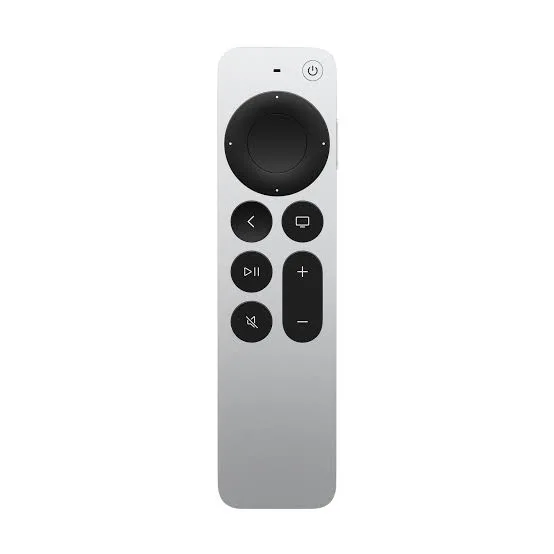
Try the controls below. On your Mac, bind them to your preferred shortcuts.
Tab to a control. Enter or Space to activate.
Press the voice button below to send the example request.
Your voice prompt
Add a loading state to the login button. Prevent duplicate submissions.
Proposed change
The button is disabled while signing in. The label changes to “Signing in…” until the request finishes.
LoginButton.tsx

- <button onClick={signIn}>
+ <button disabled={isLoading}
+   onClick={signIn}>
+   {isLoading ? loadingLabel : label}
+ </button>
The button is disabled while signing in. The label changes to “Signing in…” until the request finishes.
Example result
This is a scripted preview. No microphone, AI account or Mac connection is used.
Actions depend on the app, preset and focused window. Remoter sends your configured shortcuts; you stay in charge.
Try one workflow with the remote you already have.
v0.2.3 beta · Apple silicon · macOS 13+
Siri Remote required. Sold separately.